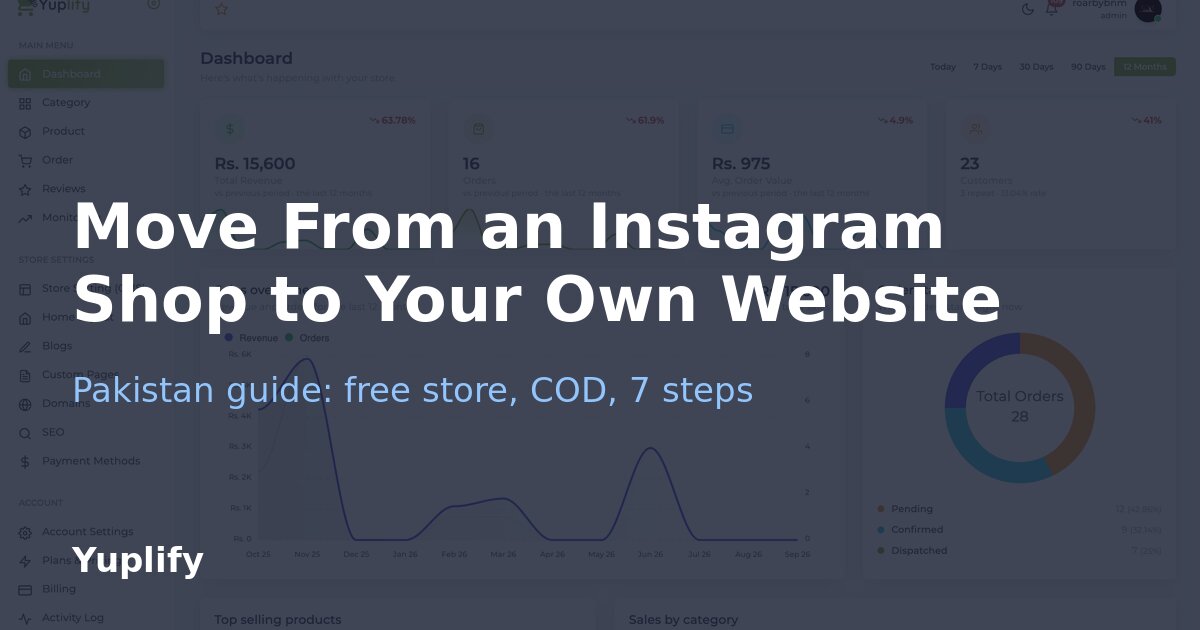
A seven-step plan and one-week schedule for moving from selling in Instagram DMs to your own store with cash on delivery, without leaving Instagram.
To move from an Instagram shop to your own website, open a free store, copy your best-selling products across with their photos and PKR prices, turn on cash on delivery, put the store link in your bio and in every WhatsApp reply, and keep posting on Instagram as before. You do not have to leave Instagram: the website becomes the place where orders, prices and customer details are kept, and Instagram stays the place where people find you.
Many Pakistani sellers run a whole business from Instagram posts and WhatsApp chats. It works until the orders grow: messages get buried, prices change in three places, and one account problem can cut you off from your customers. This guide is for sellers who want a simple, low-risk move. It covers why to move, what changes, a seven-step plan, a one-week schedule and a few mistakes to avoid. Disclosure: Yuplify publishes this page and is the store builder used in the examples, so the last section also says when you do not need to move.
Why Move From an Instagram Shop to Your Own Website?
An Instagram page is a good shop window and a poor back office. These are the reasons sellers usually give for adding a website, and what each one means in practice.
Instagram's own shopping tools also depend on your country. Meta decides which countries can use them, and the list changes, so check Meta's current help pages for Pakistan rather than relying on an old blog post. A store on your own domain works the same way for every buyer, wherever they are.
Instagram Shop vs Your Own Website
| Instagram page or shop | Your own website (for example a Yuplify store) | |
|---|---|---|
| How people order | Direct message or WhatsApp chat, by hand | Add to cart and checkout, with cash on delivery |
| Order record | Chats and screenshots | One order list with status and totals |
| Customer details | Stay inside the app | Saved with each order |
| Product prices | Typed into each post and reply | One price per product |
| Search by Google | Weak | Product and category pages can be found |
| Reach | Depends on the algorithm | Depends on the traffic you send and earn |
| Cost | Free to post, but your time is the cost | Free plan to start; paid plan when you need more |
The two are not rivals. The best setup for most small sellers is Instagram for finding people and a website for taking and tracking the order.
Before You Start: What to Gather
You need very little. Collect these first so the setup takes one sitting.
1. Your 10 to 20 best sellers. Do not move everything. Start with what already sells.
2. Clear photos. The pictures you already post usually work. Save the originals, not screenshots.
3. One name, one price, one short description per product. Write the size, colour and material you answer in chat every day, so the page answers it for you.
4. Your delivery rule. Which cities you ship to, the delivery charge, and how long it takes.
5. Your WhatsApp number. Keep it as the place for questions after the order.
6. Your return and exchange rule, in two or three lines.
The Seven-Step Move
Step 1: Open a free store. Start with a free Yuplify store. The Starter plan costs nothing and includes one store with a free yuplify.com address, up to 30 products, 5 categories and 2 of the 7 themes. For 10 to 20 hero products that is enough.
Step 2: Set up the basics. Add the store name, logo and colours. Match your Instagram profile picture and colours so people recognise you when they arrive from the link.
Step 3: Add products in the same order as your best posts. Use the same photos, the price in PKR and a short description. Group them into the same categories you use in your highlights, such as new arrivals, under 2,000 or gifts. Our guide on how to make an ecommerce website in Pakistan walks through the screens.
Step 4: Turn on cash on delivery and set delivery charges. Cash on delivery is built into checkout on every plan, including the free one. Add your delivery charge so it is shown before the buyer confirms. If you want to book parcels from the dashboard later, TCS and Leopards booking arrive with the Pro plan; see TCS vs Leopards for online stores for how to choose.
Step 5: Place a test order. Order one product yourself from your phone. Check the total, the delivery charge and what you see in the orders list. Fix anything that confuses you, because it will confuse a buyer too.
Step 6: Put the link where people already are. Put the store link in your Instagram bio and replace the old "DM to order" line with "Order here". Add the link to your WhatsApp business profile and to the auto-reply. Mention it in Stories with a link sticker where your account supports it.
Step 7: Keep answering messages, but point to the store. When someone asks the price, reply with the product link. When someone is ready to buy, send them to checkout. Confirm the order by call or WhatsApp as you do now; our guide to how cash on delivery works explains how to cut fake orders.
A One-Week Plan
| Day | What to do | Done when |
|---|---|---|
| 1 | Pick 10 to 20 products and save the photos | Photos and prices in one folder |
| 2 | Open the store, set the name, logo and theme | Store opens on its yuplify.com address |
| 3 | Add products and categories | Every hero product has a photo, price and description |
| 4 | Turn on cash on delivery, add delivery charges, write your return rule | A test order goes through |
| 5 | Test on two phones and ask a friend to order | No step confuses them |
| 6 | Change the bio link, WhatsApp profile and auto-reply | Every profile points to the store |
| 7 | Post about the store and watch which products get orders | You know what sold first |
The schedule is a suggestion, not a promise of results. Your first orders will depend on your audience and your products.
What Changes for You and Your Customers
For buyers, one thing gets simpler: they can see the price, size and delivery charge without asking. For you, the work changes shape.
Fees are worth stating plainly. Yuplify takes no percentage of your sales. You pay your plan price, which is zero on Starter and PKR 2,500 (US$8) a month on Pro, plus whatever your courier or card gateway charges. Cash on delivery has its own cost in refused parcels, so price with that in mind. Our cost breakdown for Pakistan shows the rupee view.
When to Upgrade From the Free Plan
Stay on Starter while you are testing. Think about Pro when one of these becomes a real problem:
| Problem | What helps | Plan |
|---|---|---|
| More than 30 products | Unlimited products | Pro |
| You want yourname.com or .pk instead of a yuplify.com address | Custom domain | Pro |
| You want customers to message from the site | WhatsApp chat button | Pro |
| You want to track ads from Facebook or Instagram | Facebook Pixel | Pro |
| You want to book TCS or Leopards from the dashboard | Courier booking | Pro |
| You want card payments | Stripe, for businesses Stripe supports | Pro |
Easypaisa is still rolling out and is not generally available yet. JazzCash is not supported. If a wallet is a must-have on day one, check that before you choose any builder.
Mistakes to Avoid
Once the store is live, the next job is getting orders. Our guide to getting your first 100 sales online and the Instagram marketing guide cover that, and if you sell clothing, how to start a clothing brand online in Pakistan goes deeper on niche and pricing.
Who Should Not Move Yet
If none of these fit you, a free store is a low-risk test: it costs only your time, and your Instagram page stays exactly as it is.
Frequently Asked Questions
Can I keep my Instagram shop and also have a website? Yes. Keep posting on Instagram and use the website as the place where orders are taken. Put the store link in your bio.
Do I need a custom domain to start? No. A free store comes with a yuplify.com address. Add your own domain on Pro when you are ready.
How many products can I add on the free plan? Up to 30 products in 5 categories on Yuplify's Starter plan, which is enough for most sellers' best sellers.
Can customers pay cash on delivery? Yes. Cash on delivery is built into checkout on every Yuplify plan.
Will I lose my followers? No. Your Instagram account is unchanged. You are only adding a link and a better way to take orders.
Roman Urdu: Instagram se apni website par kaise shift karein? Pehle free store banayein, apne 10 se 20 best-selling products ki photo, qeemat aur short description daalein, cash on delivery on karein, phir Instagram bio aur WhatsApp mein store ka link laga dein. Instagram chhorna nahi hai, bas order wahan se store par aane chahiye.
Final Thoughts
Moving from an Instagram shop to your own website is a small project, not a rebuild. Pick your best sellers, open a free store, test one order and put the link where your customers already are. You can open a free Yuplify store and be taking test orders the same day, then upgrade only when your sales ask for it.

Abu Bakar Memon
Founder & CEO
Abu Bakar Memon founded Yuplify in Karachi in 2023 — the free eCommerce website builder for small businesses in Pakistan. He writes about starting and growing an online store — pricing, cash on delivery, couriers and getting the first orders — from building the platform Pakistani sellers use every day.
Ready to Start Your E-Commerce Journey?
Create your online store in minutes with Yuplify. No coding required.
Get Started Free