A practical, step-by-step guide to building an online store in Pakistan — platform, domain, products, PKR pricing, cash on delivery, couriers and launch — with real costs.
Most guides on building an online store are written for the US or UK: card payments by default, Stripe in every screenshot, prices in dollars. Selling in Pakistan works differently. Most first-time buyers pay cash on delivery, your courier is part of your checkout, and your customer wants to see the delivery charge and the return policy before they order.
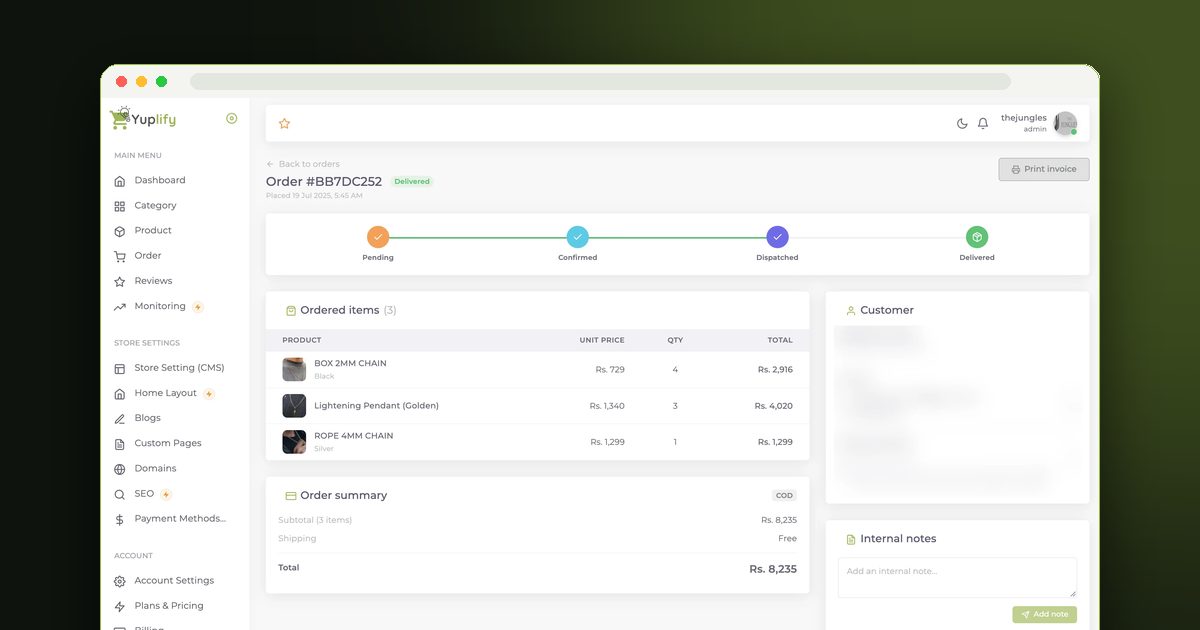
This guide walks through building an e-commerce website for a Pakistani business from zero to first order — what to decide, what it costs in rupees, and where people usually get stuck. It is written so it works whichever platform you pick, with notes on how it works on Yuplify where that helps.
Step 1: Choose How You'll Build It
You have four realistic options. The right one depends on your budget, your catalog size and how much you want to manage yourself.
For a first store, a builder almost always wins. You can launch in a day, test whether people buy, and move later if you outgrow it. Compare the options in more detail in how much an e-commerce website costs.
Step 2: Get Your Domain (Or Start Without One)
Your domain is the one part of your store you truly own. A .com or .pk domain typically costs a few thousand rupees a year. .pk domains are registered through PKNIC-accredited resellers; .com through any registrar.
You don't need a domain on day one. Most builders give you a free address (on Yuplify it's yourstore.yuplify.com) so you can launch and test first, then connect your own domain when you're ready to run ads or print it on packaging.
Pick a name that's short, easy to say on a phone call, and has no hyphens — customers will type it after hearing it on WhatsApp voice notes and Instagram stories.
Step 3: Set Up the Store
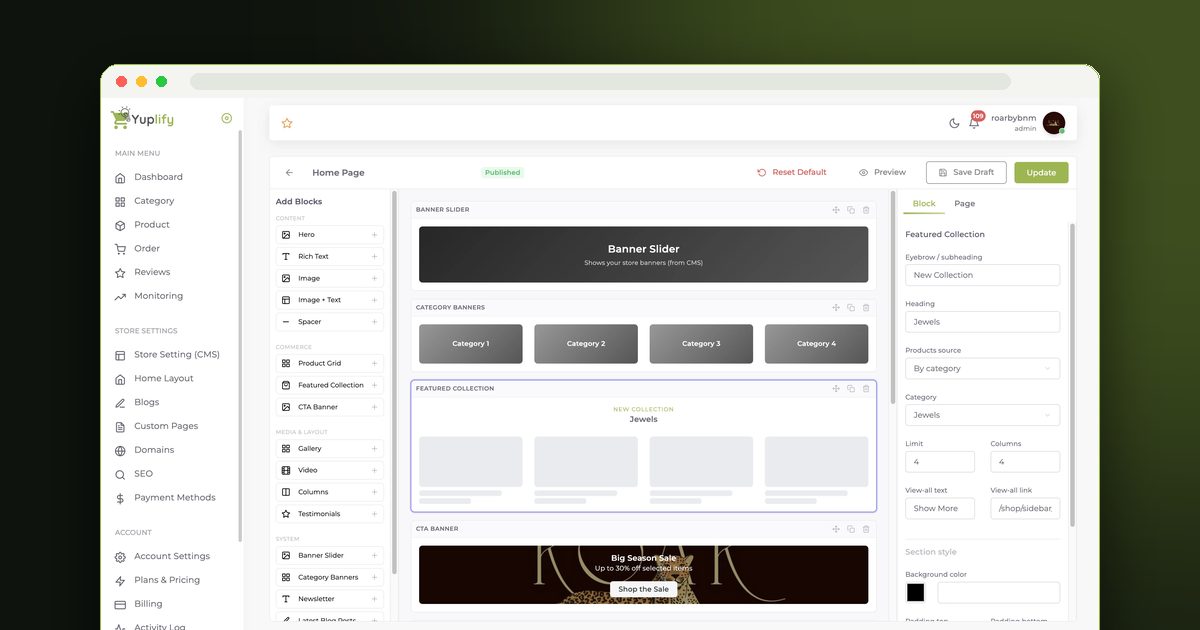
Whatever platform you use, the setup follows the same order:
Step 4: Add Products That Sell
Your product pages do the selling a shopkeeper would do in person. For each product:
Start with your best 10–30 products rather than your whole range. You can add more once you see what sells. Our guide on writing product descriptions that sell goes deeper.
Step 5: Price for COD and Delivery, Not Just the Product
This is where new sellers lose money without noticing. Your price has to cover more than your purchase cost:
Decide up front whether you'll show delivery as a separate charge or include it in the price, and say it clearly on product pages and at checkout. Surprise delivery charges are one of the biggest reasons Pakistani shoppers abandon a cart.
Step 6: Set Up Payments
Start with cash on delivery — it's what most first-time customers in Pakistan choose, and it needs no approval. On Yuplify, COD is built into checkout on every plan, including the free one.
Add online payments once you have steady orders. In Pakistan that usually means a wallet like Easypaisa or JazzCash, or a local card payment gateway, and it requires a business merchant account. International gateways like Stripe and PayPal don't onboard Pakistan-registered businesses. The full breakdown is in our guide to payment gateways in Pakistan.
Step 7: Set Up Delivery
Open a merchant account with one or two couriers. The big names for e-commerce are TCS, Leopards, PostEx, Trax and M&P; each offers COD collection and remits the cash to your bank account on a schedule.
When you compare couriers, ask about: city coverage, delivery time to smaller towns, COD remittance frequency, the return (RTO) charge, and whether they collect from your address. On Yuplify Pro, you can book TCS and Leopards shipments straight from the order page, so you're not retyping addresses into a courier portal.
Step 8: Write the Policies Buyers Check
Pakistani shoppers read these before ordering COD from a store they don't know:
Step 9: Test Like a Customer, Then Launch
Before you share your link:
Our online store launch checklist has the full list.
Step 10: Get Your First Orders
Your first orders almost always come from people who already know you. Share the link on your WhatsApp status and groups, your Instagram and Facebook, and with past customers. Then build steady traffic with social content, a small ads budget, and search. See how to get your first 100 sales for a step-by-step plan.
What It Costs: A Realistic First-Year Budget
Figures are indicative; courier, domain and agency prices vary, so check current rates.
Final Thoughts
The hard part of selling online in Pakistan isn't the website — it's getting delivery, COD and trust right. Pick a platform that handles those for you, start small, and improve based on real orders.
You can build your store free on Yuplify: no code, no card, cash on delivery from day one.

Abu Bakar Memon
Founder & CEO
Abu Bakar Memon founded Yuplify in Karachi in 2023 — the free eCommerce website builder for small businesses in Pakistan. He writes about starting and growing an online store — pricing, cash on delivery, couriers and getting the first orders — from building the platform Pakistani sellers use every day.
Ready to Start Your E-Commerce Journey?
Create your online store in minutes with Yuplify. No coding required.
Get Started Free