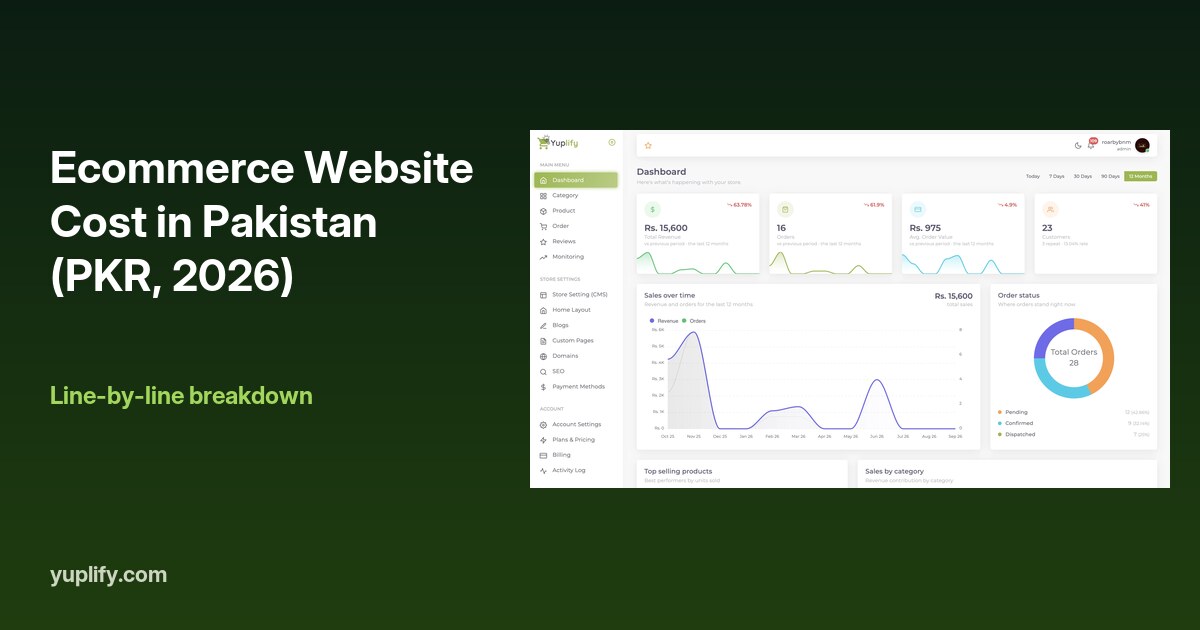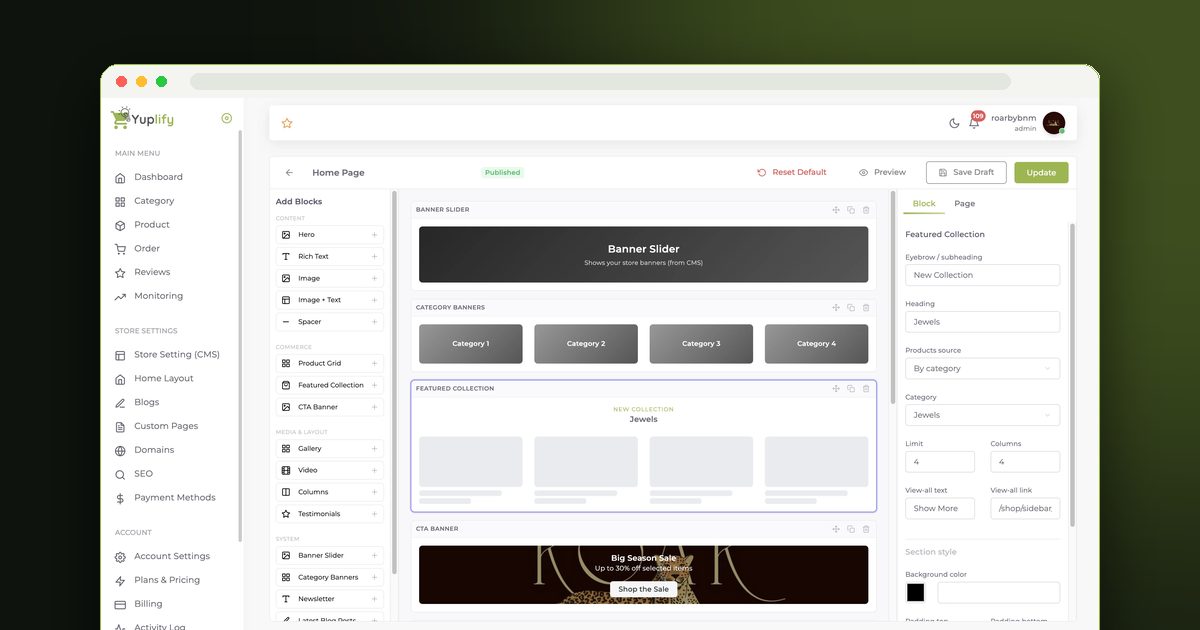
The full COD flow from checkout to your bank, what a refused parcel really costs, and a practical checklist for cutting fake orders in Pakistan. Includes a worked example in rupees.
Cash on delivery (COD) means the customer pays the courier in cash when the parcel arrives, so the order is placed first and the money is collected last. It works well in Pakistan because buyers get to see the parcel before they pay, and you cut fake and refused orders by confirming every order by WhatsApp or phone before you ship, checking the address, and watching for repeat refusers.
This guide explains the full COD flow from checkout to the money reaching your bank, what it really costs when a parcel is refused, and a practical checklist for cutting fake orders. The numbers in the examples are assumptions for illustration, not Yuplify data. On Yuplify, cash on delivery is built into checkout on every plan, including the free Starter plan, and Yuplify takes no cut of COD orders. For the wider cost picture, see what an ecommerce website costs in Pakistan.
What Cash on Delivery Means for an Online Store
With card or wallet payment, the customer pays first and you ship second. With cash on delivery the order is reversed: the customer places the order without paying, you ship it, and the courier collects the cash at the door. Many first-time online buyers in Pakistan prefer this because they have not yet learned to trust a new store, and they want to see the parcel before they pay.
That trust is the reason COD sells. It is also the reason COD is risky for you: the buyer has paid nothing, so cancelling costs them nothing, and you carry the delivery cost if they refuse.
How COD Works, Step by Step
The flow is the same on any platform. This is how it looks on Yuplify.
| Step | What happens | Who does it |
|---|---|---|
| 1. Checkout | The customer picks cash on delivery and places the order. No payment is taken online | Customer |
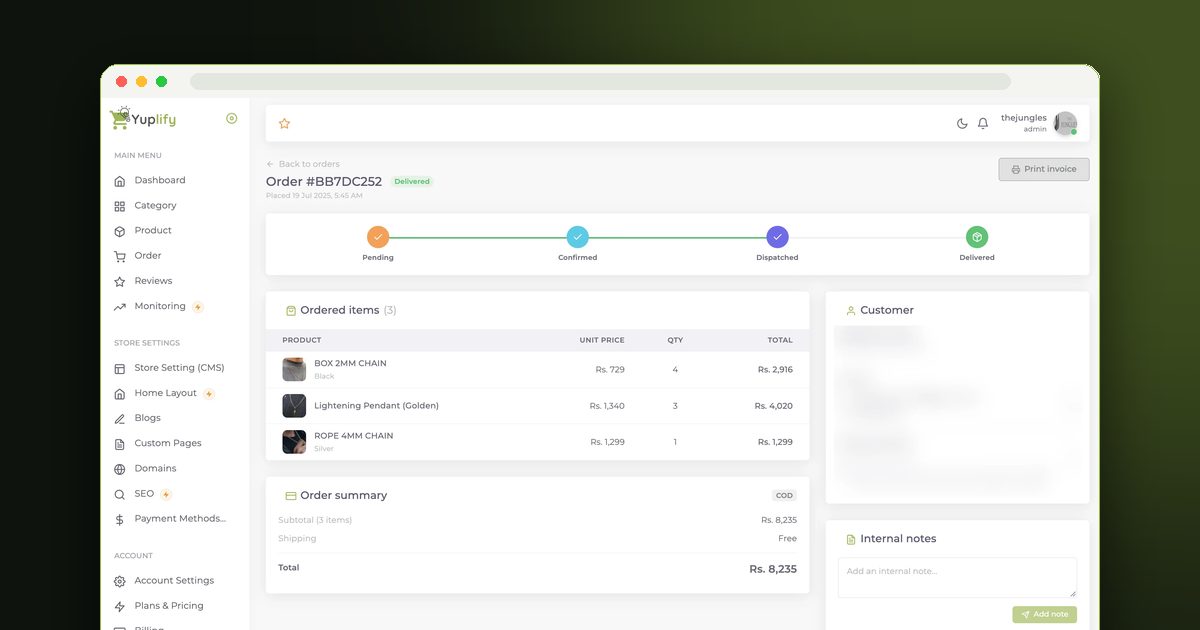
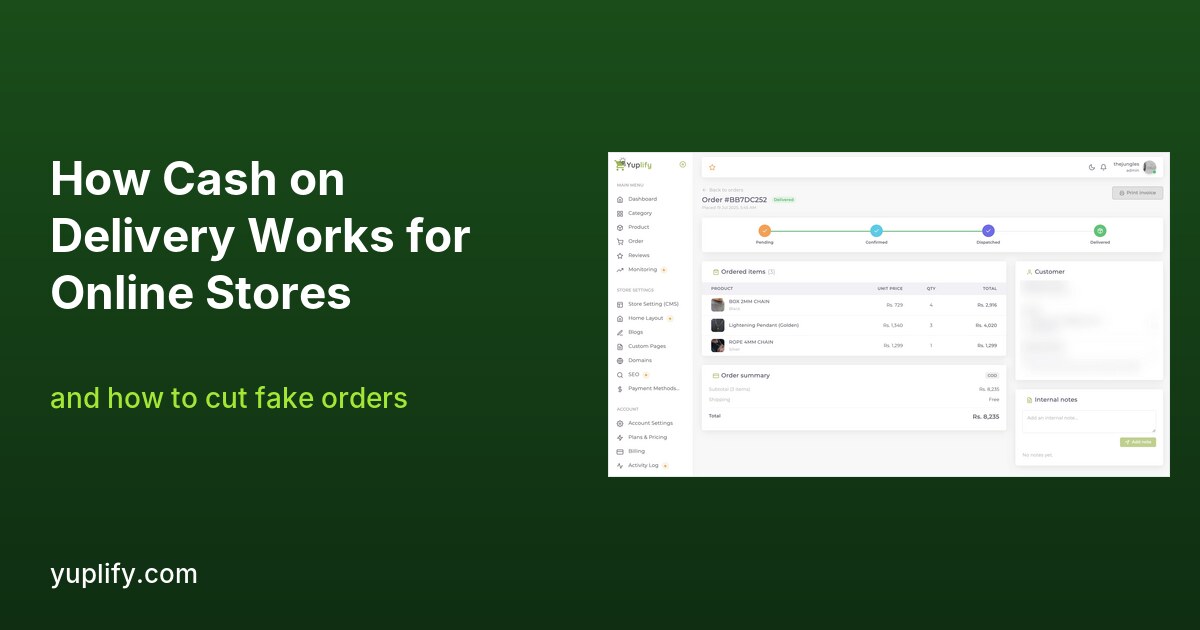
| 2. Order created | The order appears in your dashboard labelled as cash on delivery, with the status Pending | Yuplify |
| 3. Confirmation | You confirm the order and address with the customer by WhatsApp or phone, then mark it Confirmed | You |
| 4. Dispatch | You pack the parcel and hand it to a courier. On Pro you can book TCS or Leopards from the order page, with the COD amount sent along | You and the courier |
| 5. Delivery | The courier delivers and collects the cash. The order moves to Dispatched and then Delivered | Courier |
| 6. Settlement | The courier pays the collected cash into your bank account on the schedule agreed with them | Courier |
Yuplify never handles the parcel or the cash. Your courier collects the money and pays you on the settlement schedule in your agreement, so ask for that schedule in writing before you start. Order status, internal notes and the printable invoice sit on the same order page, which keeps your confirmation calls and your dispatch in one place.
What COD Really Costs You
COD has no payment gateway, so there is no gateway fee. On Yuplify there is also no platform transaction fee, because Yuplify charges none on any plan. Your per-order costs are the courier's delivery charge and usually a small COD handling charge, at the rates on your own courier account. Those rates vary by courier, city and parcel weight, and they drop as your volume grows, so negotiate them directly. For a side-by-side view of platform and gateway fees, read ecommerce website builders with low transaction fees.
The real cost of COD is not a fee. It is the parcel that comes back.
The Hidden Cost: Fake and Refused Orders
A refused parcel means you pay the courier to deliver it, and often again to bring it back, and you earn nothing. Fake orders, where someone enters a wrong address or a number that does not answer, cost the same. Here is how quickly it adds up, using made-up numbers.
| Assumption | Value |
|---|---|
| Selling price | PKR 3,000 |
| What the product costs you | PKR 1,800 |
| Delivery you pay per parcel, each way | PKR 250 |
| Packaging per parcel | PKR 50 |
| Orders sent in a month | 100 |
| Share of parcels refused or fake | Profit for the month | Compared with a 5% refusal rate |
|---|---|---|
| 5% | PKR 82,750 | Baseline |
| 15% | PKR 68,250 | PKR 14,500 less |
| 30% | PKR 46,500 | PKR 36,250 less |
The sums: each delivered order earns PKR 1,200 before delivery and packaging. Delivery and packaging on all 100 parcels cost PKR 30,000. Each refused parcel also costs PKR 250 for the return trip. At 15% refusals, 85 delivered orders earn PKR 102,000, less PKR 30,000, less PKR 3,750 for returns, which is PKR 68,250. Your own prices and courier rates will differ, so redo the sum with your real figures.
The lesson: the same store can look healthy or ruinous depending only on the share of parcels that come back. Moving that number is worth more than a small price cut.
How to Cut Fake Orders: A Practical Checklist
None of these removes the risk completely. Together they move the refusal rate down.
On Yuplify, you can leave a note on any order, for example "confirmed on WhatsApp, 4 pm" or "refused twice", so the whole team sees the history.
Choosing a Courier for COD
Your courier collects the cash, so the courier matters as much as the platform. Yuplify supports two couriers on the Pro plan, TCS and Leopards Courier. Both let you book a shipment from the order page and send the COD amount with the booking, on your own courier account and at your own rates. Compare the two on four points before you commit:
Get the rates and the settlement terms in writing from each courier. Ask your account manager, because published rates and negotiated rates are often different.
When to Offer Online Payment Alongside COD
COD should not be your only option forever. Once you have steady orders, offering a second way to pay can lower your refusal rate, because a customer who has already paid rarely refuses. On Yuplify's Pro plan you can connect Stripe for card payments, and customers then see both options at checkout. Stripe charges its own processing fee, which Yuplify does not touch. Easypaisa is marked as rolling out and is not yet generally available, and JazzCash is not supported, so check the integrations page for the current status before you promise either to customers.
If you want to know how much a store costs in total, including couriers and refused parcels, see the PKR cost breakdown.
Who Should Not Rely Only on COD
COD is not right for every store. Think twice if:
In these cases, combine COD with an advance payment or an online option, or restrict COD to cities where your courier is reliable.
Setting Up COD on Yuplify
There is no gateway to apply for and nothing to wait on. Cash on delivery is on the moment you publish your store, on every plan including Starter, which is free and takes real orders with no time limit.
1. Create your store and add your products.
2. Publish it. COD appears at checkout automatically.
3. When an order arrives, confirm it with the customer and add a note.
4. Ship it, or on Pro book it with TCS or Leopards from the order page.
5. Mark it delivered when the courier confirms, and track settlement with your courier.
To start, try Yuplify's free e-commerce website builder, or see the full cash on delivery page for the details.
Frequently Asked Questions
What is cash on delivery in ecommerce? It is a payment method where the customer pays the courier in cash when the order is delivered, instead of paying online at checkout.
Does Yuplify charge a fee on COD orders? No. Yuplify takes no cut of COD orders on any plan. Your courier charges its own delivery and COD handling fees.
How do I reduce fake COD orders? Confirm every order by WhatsApp or phone before you ship, check addresses, keep a list of repeat refusers, and ask for advance payment on expensive items.
Who collects the cash? The courier collects it from the customer and pays it into your bank account on the schedule agreed with them. Yuplify never handles the cash.
Is COD available on the free plan? Yes. Cash on delivery is built into checkout on every plan, including the free Starter plan.
COD order fake ho to kya karein? Shipping se pehle har order ko WhatsApp ya call par confirm karein, address aur phone number check karein, aur jin customers ne pehle parcel refuse kiya unka note rakhein. Mehnge items par advance payment maangein.
Kya Yuplify COD par commission leta hai? Nahi. Yuplify COD orders par koi fee nahi leta. Sirf courier apni delivery aur COD handling charges leta hai.
Parcel refuse ho jaye to nuksan kaun uthata hai? Aam tor par seller. Aapko courier ko delivery aur wapsi ka kharcha dena parta hai, isliye shipping se pehle confirmation zaroori hai.
Final Thoughts
Cash on delivery is how most Pakistani shoppers prefer to buy, so a store that does not offer it loses orders. The risk is not a fee but the parcel that comes back, and the cure is a habit: confirm every order before it ships, keep notes on repeat refusers, and choose a courier whose rates and settlement terms you have in writing. When you are ready to start, read about cash on delivery on Yuplify, compare TCS and Leopards, or see our guide to making an ecommerce website in Pakistan.

Abu Bakar Memon
Founder & CEO
Abu Bakar Memon founded Yuplify in Karachi in 2023 — the free eCommerce website builder for small businesses in Pakistan. He writes about starting and growing an online store — pricing, cash on delivery, couriers and getting the first orders — from building the platform Pakistani sellers use every day.
Ready to Start Your E-Commerce Journey?
Create your online store in minutes with Yuplify. No coding required.
Get Started Free