From choosing what to sell to registering your business, getting paid, booking couriers and finding your first customers — how to start an online business in Pakistan the right way.
Starting an online business in Pakistan has never been more realistic. Smartphones are everywhere, couriers reach most of the country, and customers are increasingly comfortable ordering from Instagram, Facebook and websites. What's still missing for most new sellers is a clear order of steps.
This guide is that order — from picking what to sell to your first hundred customers. It assumes a small budget and no technical background.
Step 1: Pick What You'll Sell
The best first product sits where three things overlap:
Categories that work well for new Pakistani stores include women's clothing, artificial jewelry, home textiles, skincare, mobile accessories and home-made food in your own city. See our list of online business ideas in Pakistan for 25 options with startup costs.
Step 2: Test Demand Before You Spend
Don't buy a big batch first. Instead:
If people message to ask "price?" and "COD available?", you have something.
Step 3: Sort Out Sourcing
You have three main options:
Whatever you choose, check samples yourself. Your store's reputation depends on the quality of every parcel.
Step 4: Register When It Makes Sense
You can start selling as an individual, but registration becomes important as you grow — especially for a business bank account and online payment gateways.
Tax rules change, so speak to a tax adviser about sales tax and income tax for your situation.
Step 5: Decide How You'll Get Paid
Start with cash on delivery. Most first-time online buyers in Pakistan prefer it, and it needs no approval from anyone. Add online payments — wallets like Easypaisa and JazzCash, or card payments through a local gateway — once you have regular orders and a registered business. Read our breakdown of payment gateways in Pakistan before you apply.
Step 6: Set Up Delivery
Open a merchant account with a courier such as TCS, Leopards, PostEx, Trax or M&P. They'll pick up from you, deliver, collect the cash, and remit it to your bank account.
Before you sign up, ask about delivery charges by city and weight, COD remittance frequency, and the charge for returned parcels. Returns are a normal part of COD — plan for a few percent of orders coming back.
Step 7: Build Your Store
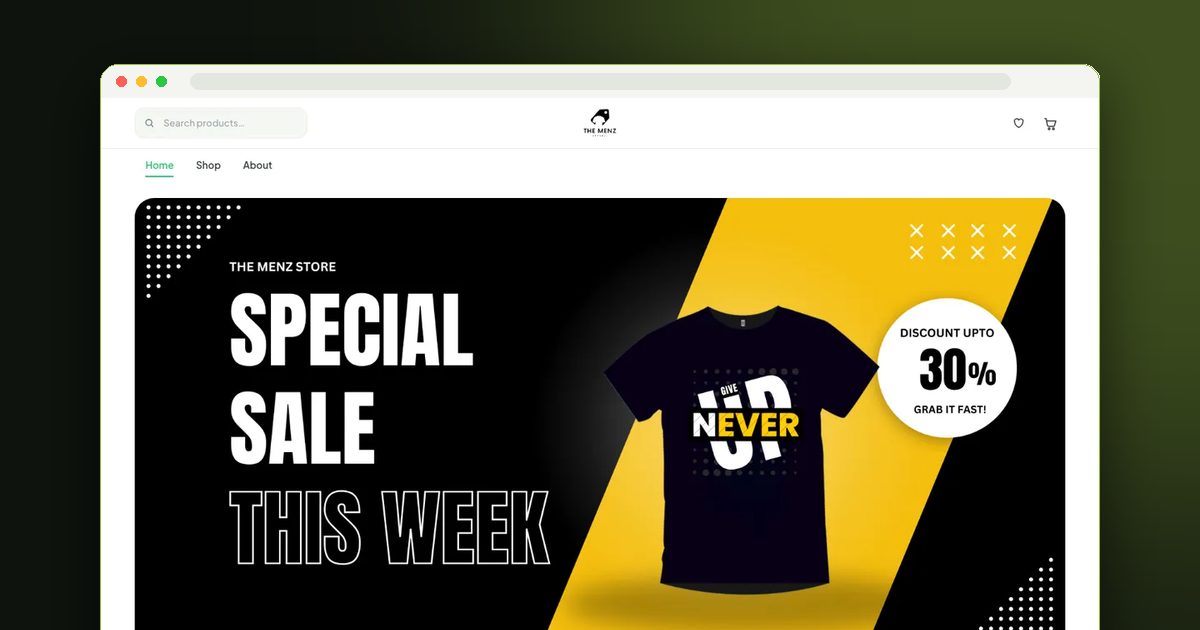
You can start on Instagram or WhatsApp alone, but a website gives you three things social media can't: a full catalog customers can browse, a checkout that takes orders while you sleep, and a link that looks like a real business.
The choice is usually between selling on a marketplace like Daraz (built-in traffic, but commission and little control over your brand) and your own website (your brand, your customers, no commission). Many sellers do both.
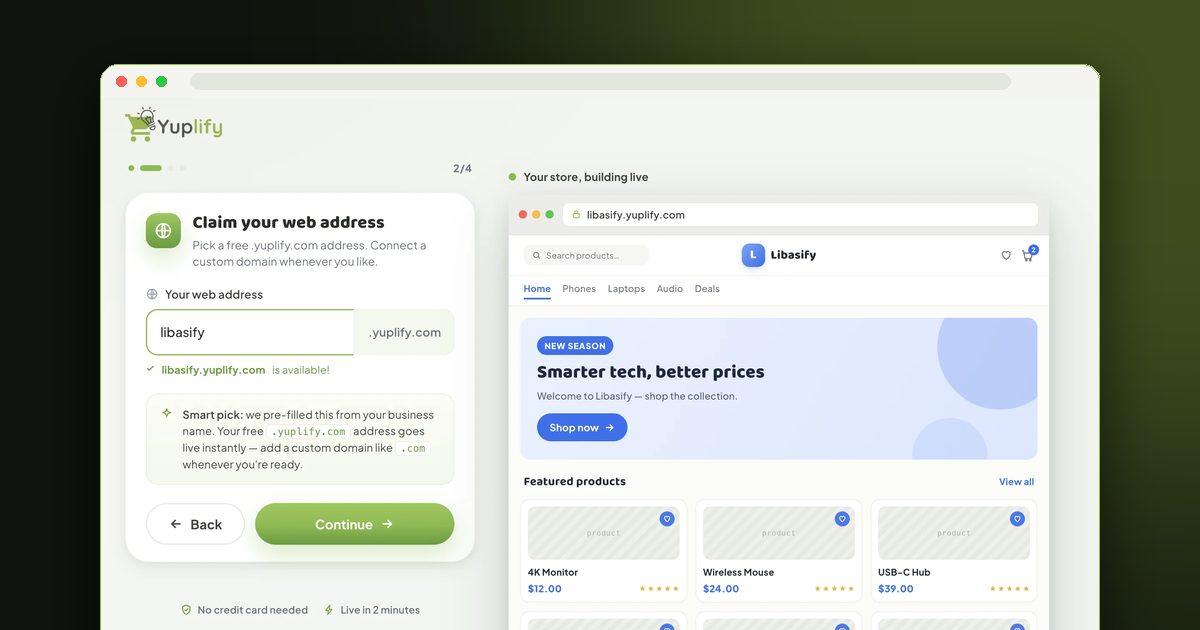
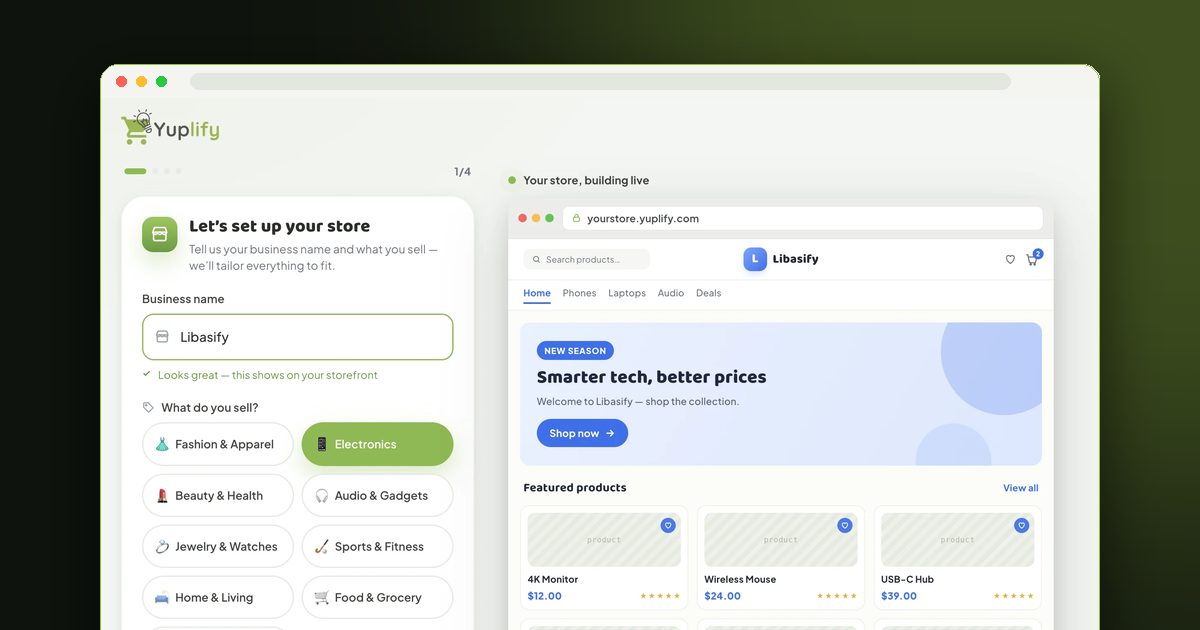
Building your own store no longer needs a developer. Follow our step-by-step guide on how to make an e-commerce website in Pakistan.
Step 8: Get Your First Customers
Your first 10 orders will come from people who know you — friends, family, colleagues and WhatsApp contacts. Ask them to share. After that:
Our marketing strategies for small online stores and first 100 sales guides go into detail.
Step 9: Run It Like a Business
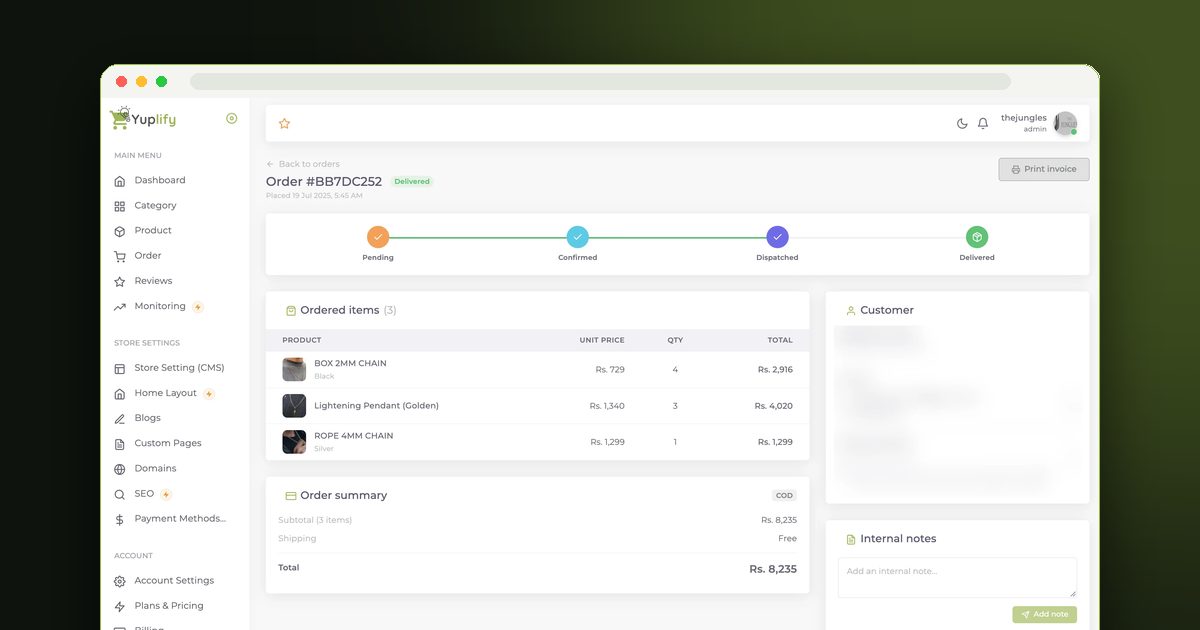
Once orders start, a few habits separate stores that last from those that fade:
Common Mistakes to Avoid
Final Thoughts
You don't need a big budget to start an online business in Pakistan — you need a product people want, honest pricing, reliable delivery and a place to take orders. Start small, learn from every order, and grow from there.
When you're ready for a website, you can start a free store on Yuplify with cash on delivery built in.

Abu Bakar Memon
Founder & CEO
Abu Bakar Memon founded Yuplify in Karachi in 2023 — the free eCommerce website builder for small businesses in Pakistan. He writes about starting and growing an online store — pricing, cash on delivery, couriers and getting the first orders — from building the platform Pakistani sellers use every day.
Ready to Start Your E-Commerce Journey?
Create your online store in minutes with Yuplify. No coding required.
Get Started Free